2010-2013
Media technology and -design
University of Applied Sciences Hagenberg
Bachelor studies | BSc | design/ux basics, programming, web technologies, video/audio processing, photography, and more…
I am a (front of the) frontend web developer who loves good user interface (UI) and user experience (UX) design and is interested in web accessibility.
I have a keen eye for details and a knack for finding software and UI bugs. I work on a variety of projects together with my friends at scale.at. Sometimes, I also build websites and write blog posts.
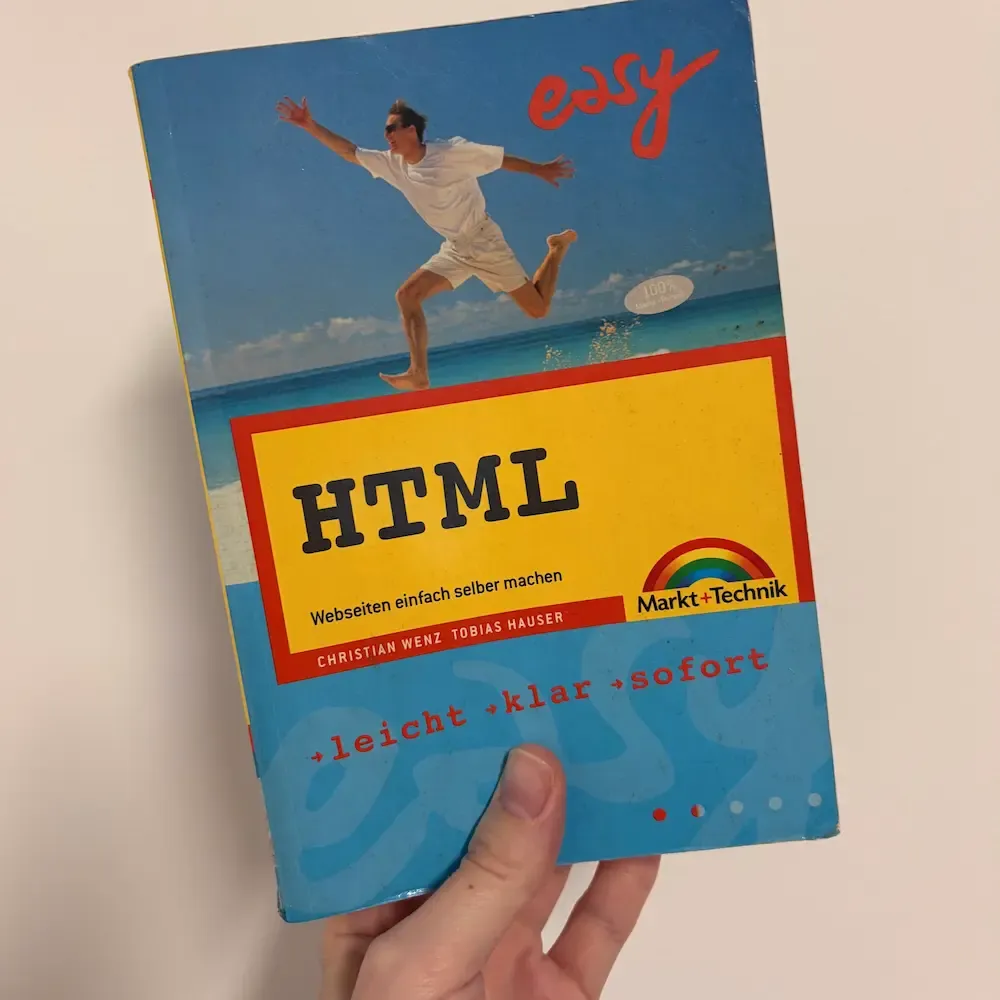
My journey in web development started when I was about 12 years old and my dad bought me a book about HTML. I created my first personal website and a website for my school class using table layouts, framesets, image maps and all the other great features HTML had to offer.
Later, I started blogging using a platform called “MyBlog” and eventually learned about the existence of “WordPress”. From this point on, I used it to build websites for family and friends.
After some weeks of studying technical mathematics, I realized that I loved math in school, but I preferred programming, algorithms and data structures at university, so I changed my course of study.
In 2016, after I finished my studies, I got my first full-time job as a web developer at Dynatrace. In the beginning, it felt like I didn’t know anything (anymore?) and had to learn a lot of new stuff.
While I was busy migrating and merging three large WordPress blogs, my team set up a static site generator for other websites we maintained and I was immediately enthusiastic about the topic.
Inspired by this concept, I changed my workflow from building WordPress websites to using the JAMstack architecture and separating the website build from the actual content. And, I wrote an article about it.
My skills have expanded, I have overcome a part of my imposter syndrome and started teaching web development basics at FH Hagenberg. In parallel, I decided to write a blog series about the content of my lessons.
In addition to maintaining websites, my team at Dynatrace started building a design system. We always worked closely together with the user experience team, which sparked my interest in this field.
After some years working in a steadily growing company, I felt like trying something new and decided to become self-employed and started my own business in 2020.
I still can’t come up with a job title that summarizes my daily tasks 😅.
Here’s what I do: Together with my clients, I develop solutions for specific problems. I talk and discuss a lot. I research and learn about user experience design and try to stay on top of things when it comes to new features on the web platform. I build frontend code for websites and web applications. I fix and refactor broken code. I create design prototypes in Figma. I do UX audits and give feedback when I find visual inconsistencies and incomprehensible workflows in a user interface.
Here’s what I don’t do: I am not a designer. I can tell when things look good or bad (and usually know why), but I’m not a “let’s build a shiny animated website” person. I also don’t do marketing or SEO.
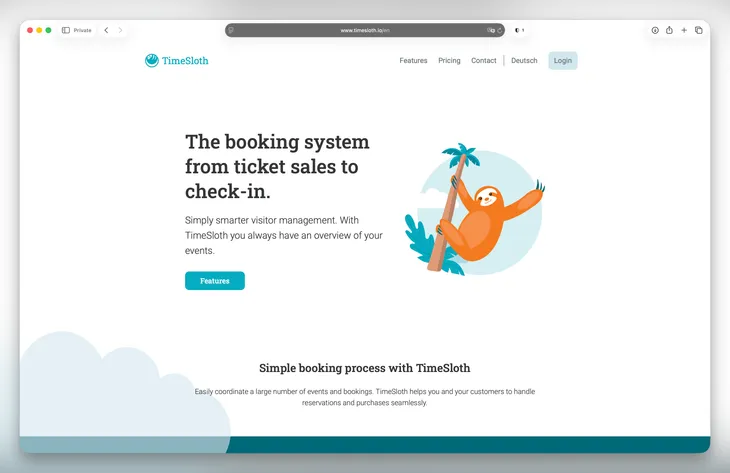
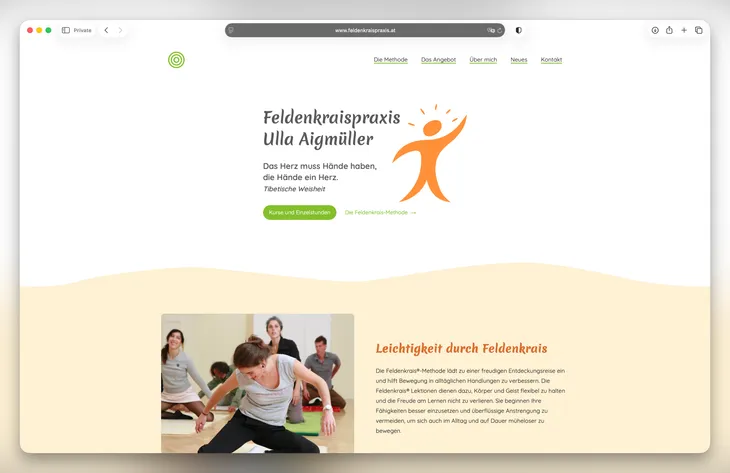
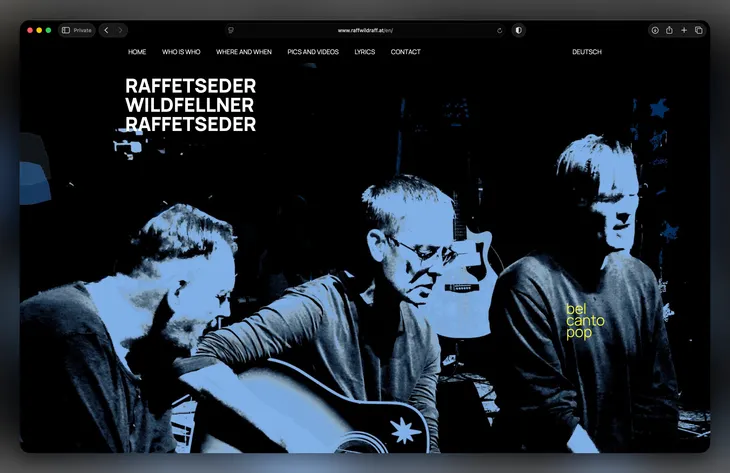
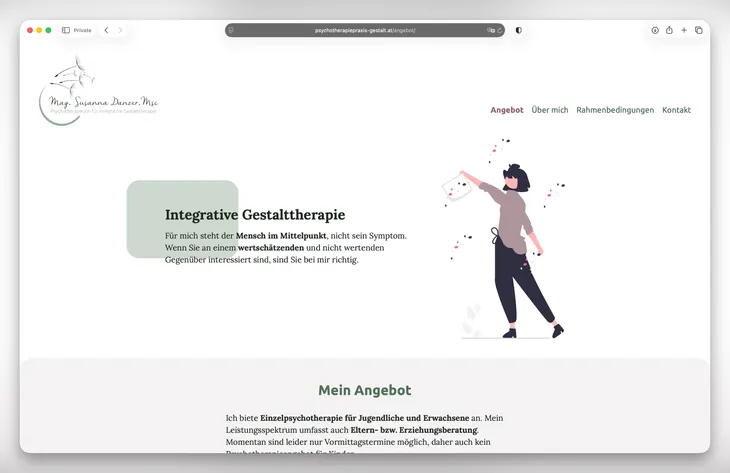
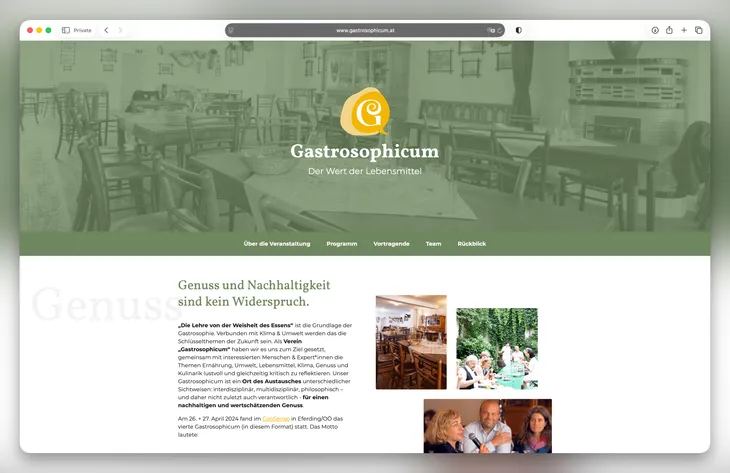
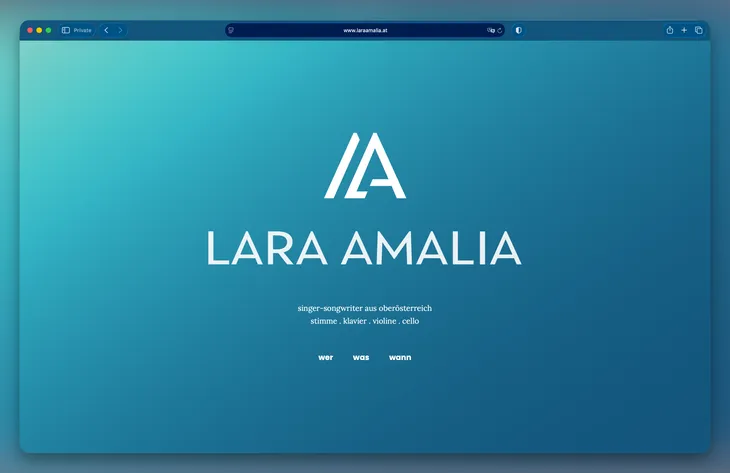
Here are some of the websites I built and maintained during the last couple of years.
I love to keep things simple. I prefer websites that present content in a readable and understandable way. I hate it when there are more animations, cookie and tracking banners, broken JavaScript and error messages than actually interesting content.
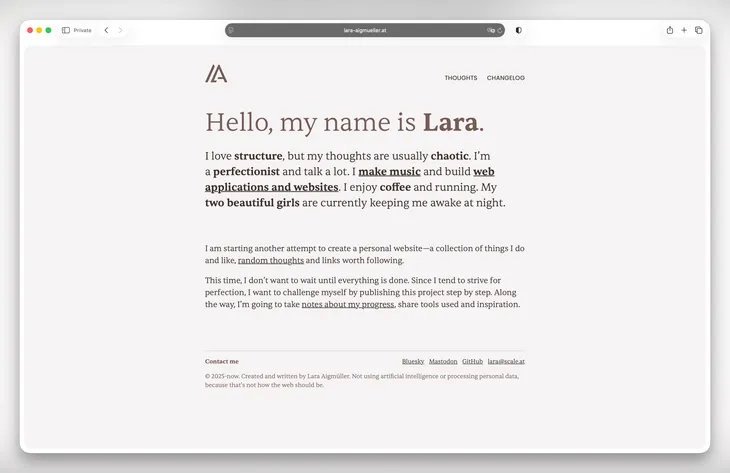
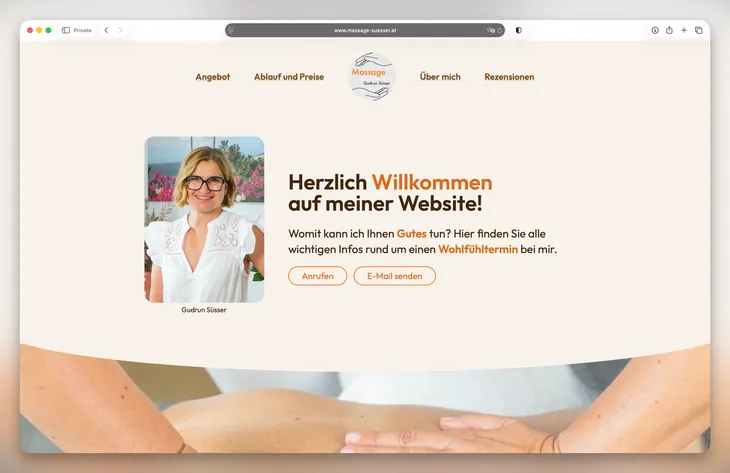
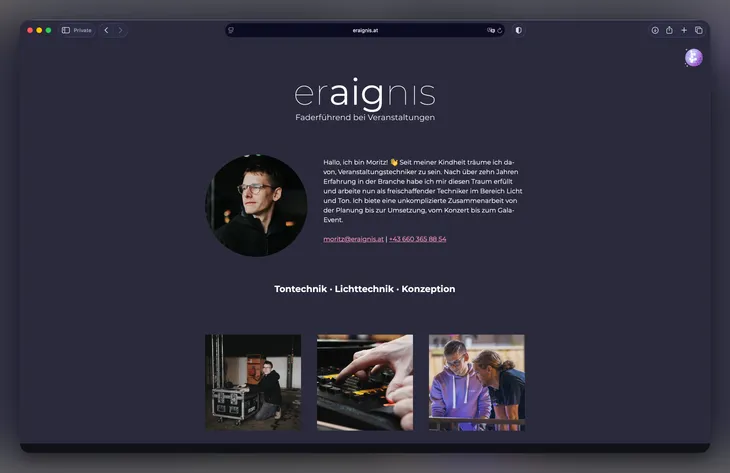
In the web industry, you can never stop learning. Technologies such as CSS are evolving rapidly. I enjoy reading blog posts, attend conferences and workshops, and do online courses. Here is a list of resources that help(ed) me expand and shape my knowledge throughout the years.
As a designer and developer, Andy not only teaches how to compose a great frontend setup for a website project, but also talks about the process of clients, designers and developers working togehter successfully.
In this accessibility deep-dive, Sara explains everything you need to know about building accessible websites and web applications. It’s full of insightful theory and real-world examples covered in 40+ video lessons.
Josh knows how to explain complex stuff in a way that is understandable for beginners and at the same time reveals new insights for senior developers. The course contains text and video content along with coding exercises and nice little demo playgrounds.
I really like the CSS collection called “Defensive CSS” by Ahmad and so I signed up for his CSS layout course. He explains how to use modern CSS techniques to elegantly compose simple and complex layouts by using CSS the way it’s meant to be.
When struggling with complex UX problems, I usually start (re-)watching videos from this course to get some useful insights and ideas about common problems and possible solutions.
It’s not another React tutorial but a course starting with the fundamentals and how React actually works. The course contains everything from JavaScript basics to complex frontend application logic.
I attended workshops about “Resilient Web Systems” by Miriam Suzanne and “Accessibility Testing” by Manuel Matuzović.